Image creation
Qwen Image 2.1 on reAPI
Generate and edit Qwen Image 2.1 pictures in a browser playground.
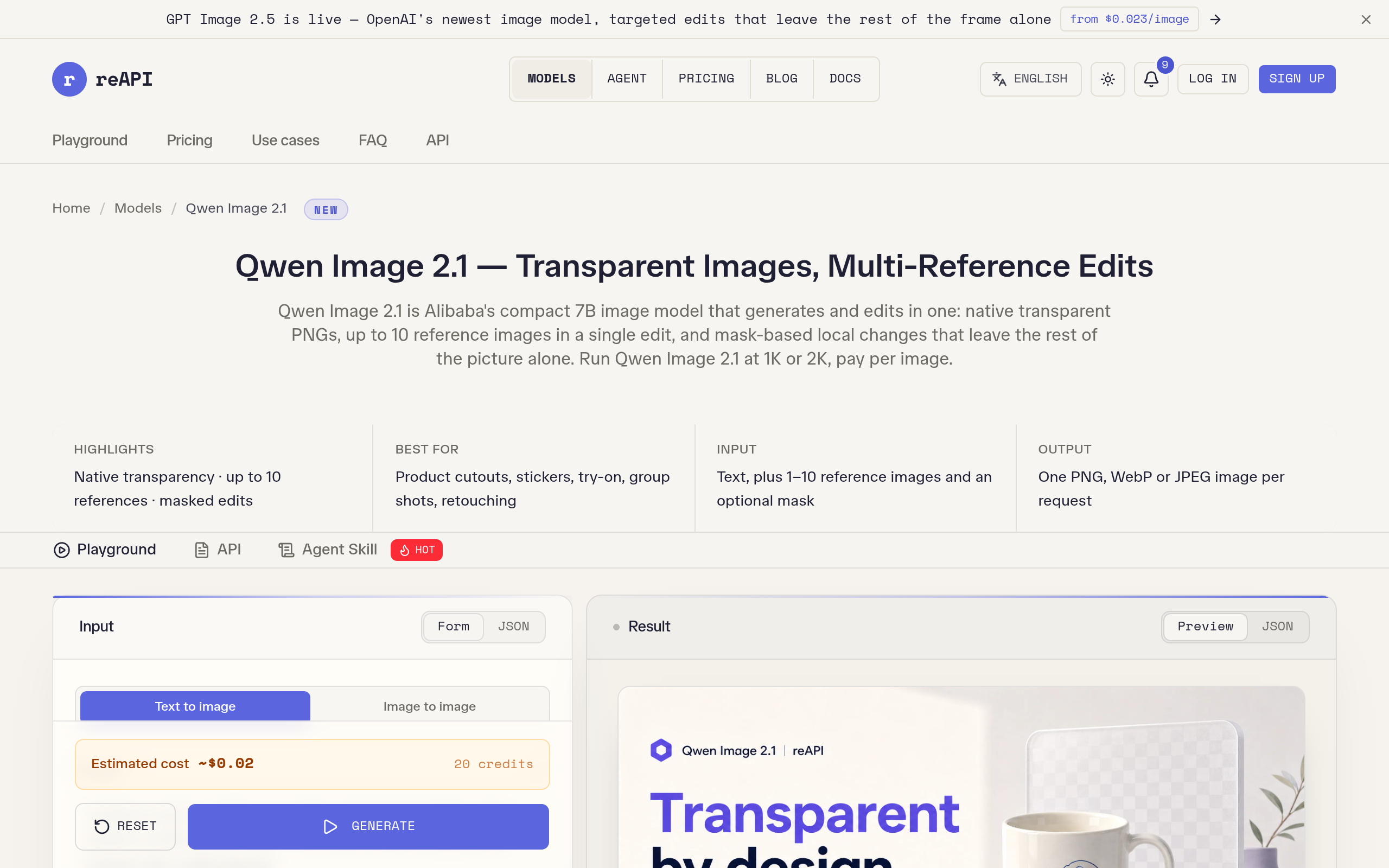
Image creation
Generate and edit Qwen Image 2.1 pictures in a browser playground.
Product insights
Use Qwen Image 2.1 through a visible browser form: type a prompt, choose image settings, and preview the result without assembling a local model stack.
A model repository only offers files and setup notes. This hosted playground lets visitors actually test generation and editing from the page.
Designers, creators, and product teams testing Qwen Image 2.1 outputs before choosing a longer-term workflow.
reAPI lists credit-based, per-image pricing. Check the live page for current rates, account requirements, and usage terms.
Model sheet
Qwen Image 2.1 on reAPI is a browser-based image generation and editing playground. It exposes Qwen Image 2.1 through a hosted form for prompts, reference images, optional masks, transparent outputs, and 1K or 2K resolution. It is a third-party web service, not the local GGUF model package. The related ComfyUI product offers another visual workflow for Qwen Image 2.1.
Visit the reAPI model page and select text-to-image or image-to-image in the Playground form.
Write a prompt, add reference images or a mask if editing, and choose resolution and background options.
Review the estimated credit cost, generate the image, and inspect the result before using it in your project.
No. This is a hosted browser playground for Qwen Image 2.1. Local GGUF files are a separate setup path.
No. reAPI is a third-party service hosting access to the model. Check its own pricing and terms before generating.
Yes. Choose image-to-image, add reference images, and optionally provide a mask to target a region.
Official website snapshot
reapi.ai
reAPI provides a hosted Qwen Image 2.1 playground with prompt-based generation, reference-image editing, optional masks, transparent backgrounds, and 1K or 2K output. The web form can be tried without installing model files. reAPI is a third-party service, separate from Qwen’s local GGUF downloads.