Image creation
Seedream 5.0
Generate and edit images with ByteDance’s Seedream 5.0 Lite and Pro models.
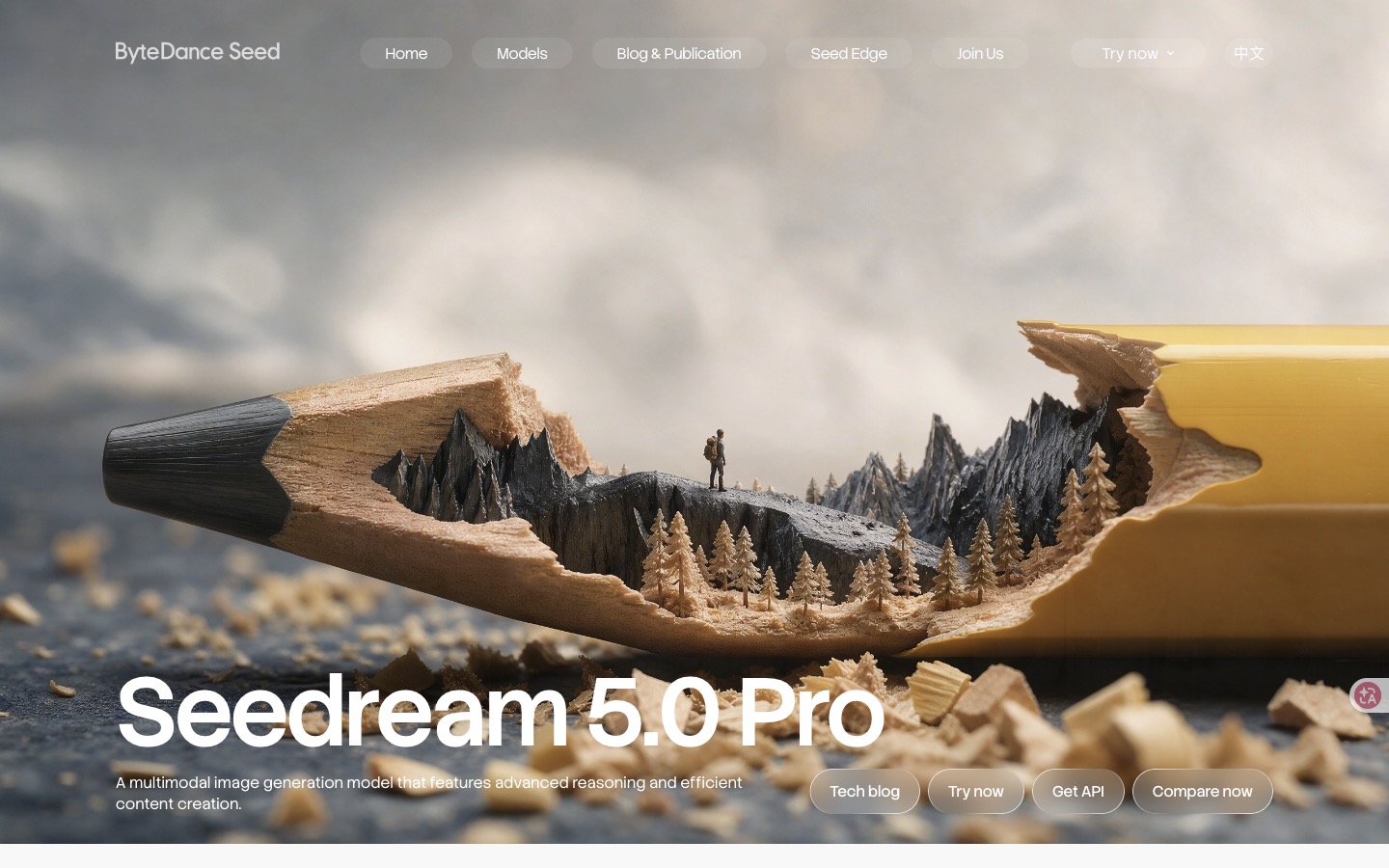
Image creation
Generate and edit images with ByteDance’s Seedream 5.0 Lite and Pro models.
Product insights
Create images and refine existing designs with the same model family, choosing Lite for reasoning and search or Pro for detailed design control.
Helps turn complex briefs, dense copy, and reference images into visual layouts, then make targeted changes without rebuilding every element.
Designers, marketers, educators, and creators making posters, explanatory graphics, product concepts, or localized visuals.
Access and pricing depend on the chosen application or API service and model tier. Check the official Try now or Get API destination for current credits, quotas, billing, and regional availability.
Seedream 5.0 is ByteDance’s AI image generation and editing family. Compare Lite and Pro, then create posters, infographics, and reference-based images.
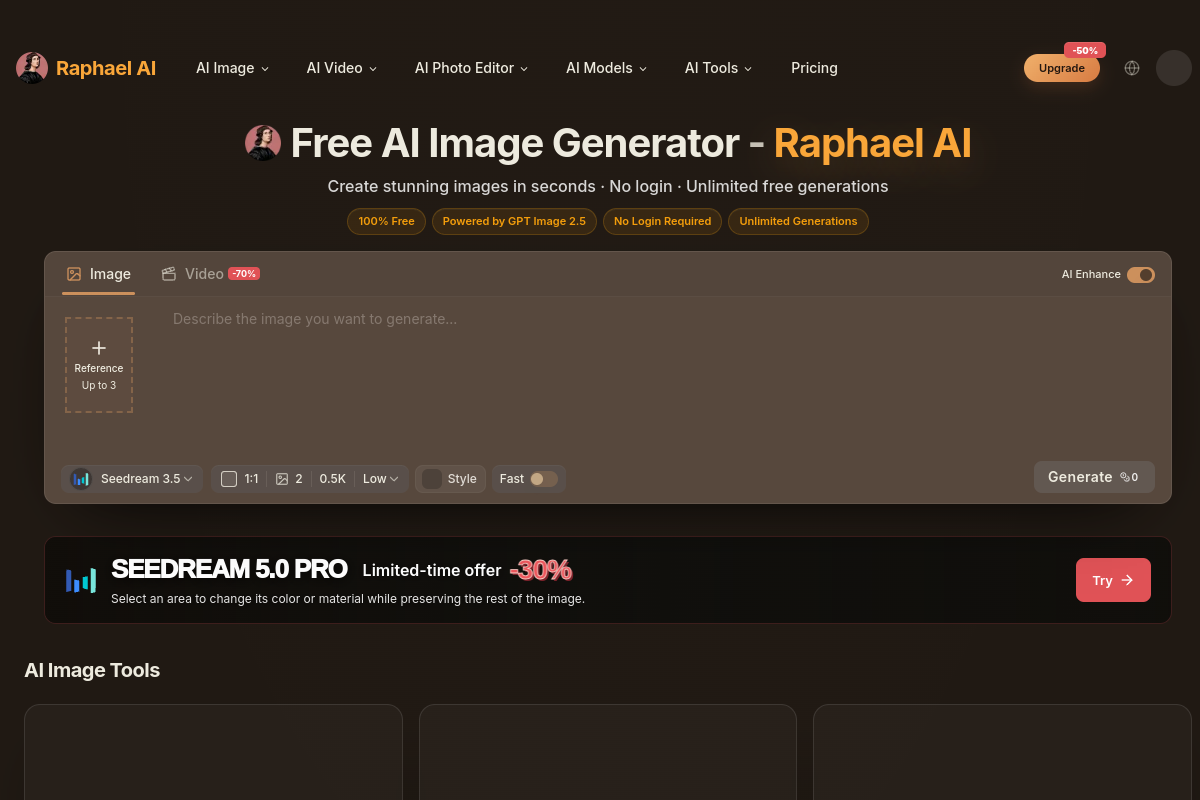
Use Try now on the official model page to open Dreamina. For the Chinese workflow, the announcements list Jimeng image generation and the Volcengine Ark experience center. Sign in and check which model versions your account can use.
Choose Lite when reasoning, reference interpretation, or online search is useful. Choose Pro for text-heavy layouts, multilingual visuals, or precise editing. The controls exposed depend on the host application.
Write the subject, composition, style, and exact text to include. Upload reference images when needed. In supported Pro tools, use selections, spatial annotations, or a sketch to identify the area to change.
Check spelling, numbers, layout, and whether edits preserve the surrounding image. Adjust the instructions and iterate. Use Pro layer separation where available if you need individual design assets for further work.
Seedream 5.0 is ByteDance Seed’s image generation and editing model family. It includes Lite and Pro, which are accessible through hosted applications and API services rather than requiring a local model setup.
Lite emphasizes reasoning, reference understanding, and optional online search. Pro emphasizes dense infographics, interactive edits, layer separation, photographic quality, and multilingual text. Features available in a particular app can differ from the full model capabilities.
The official model pages do not specify one universal free allowance or subscription price. App credits and API billing depend on the provider, model version, and account. Check the official creation tool or API console before generating.
ByteDance documents optional real-time search for Seedream 5.0 Lite, useful for visuals tied to recent information. Check whether the chosen host exposes that option, and verify factual labels and numbers in the generated image.
No. Seedream is the image generation and editing family. Seedance is the video generation family. Choose Seedream for a still image or design edit and Seedance when you need motion and video.
Official website snapshot
seed.bytedance.com
Seedream 5.0 is ByteDance Seed’s image generation and editing model family, available through hosted creative tools and API services. Lite adds reasoning and optional online search for reference-based images and timely visuals. Pro focuses on dense infographics, spatially guided edits, layer separation, photographic detail, and multilingual text. The official Pro page links to Dreamina for creation and provides an API entry; the Chinese announcements also describe Jimeng and Volcengine Ark workflows.