Image creation
Napkin AI
Turn text into diagrams and visuals for slides and docs.
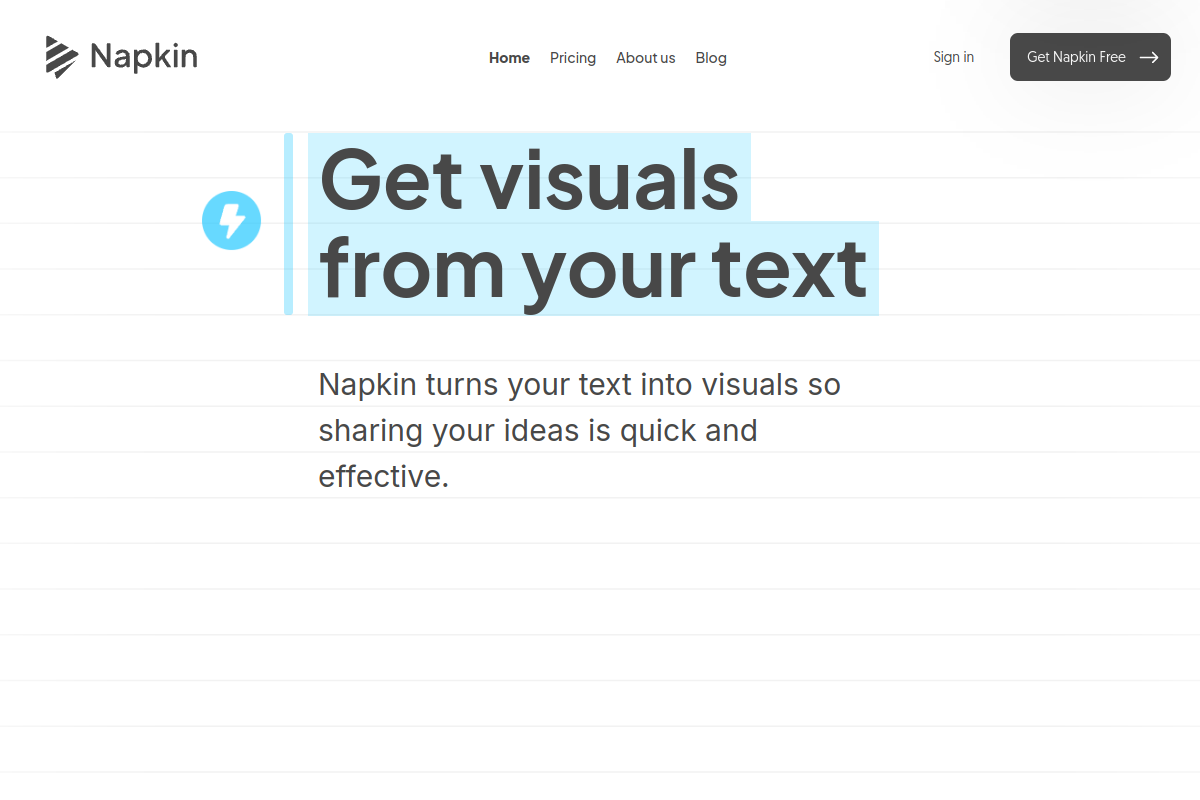
Image creation
Turn text into diagrams and visuals for slides and docs.
Product insights
Editable diagrams generated straight from your writing.
Designing a diagram for every idea takes time.
Marketers, consultants, teachers, and writers.
Free to start; paid plans add more credits and features.
Napkin AI reads your text and generates matching visuals such as flowcharts, mind maps, and comparison graphics. Every visual stays editable, so you can change colors, icons, and wording.
Add a paragraph or outline.
Choose from suggested diagrams.
Adjust style and export as PNG, SVG, or PDF.
There is a free way to start; paid plans add more usage.
Yes, generated visuals are fully editable.
Official website snapshot
napkin.ai
Napkin AI turns text into diagrams and visuals. Paste a paragraph and it suggests flowcharts, frameworks, and infographics you can edit and export to slides, docs, or social posts.