Text to video
Ausar AI
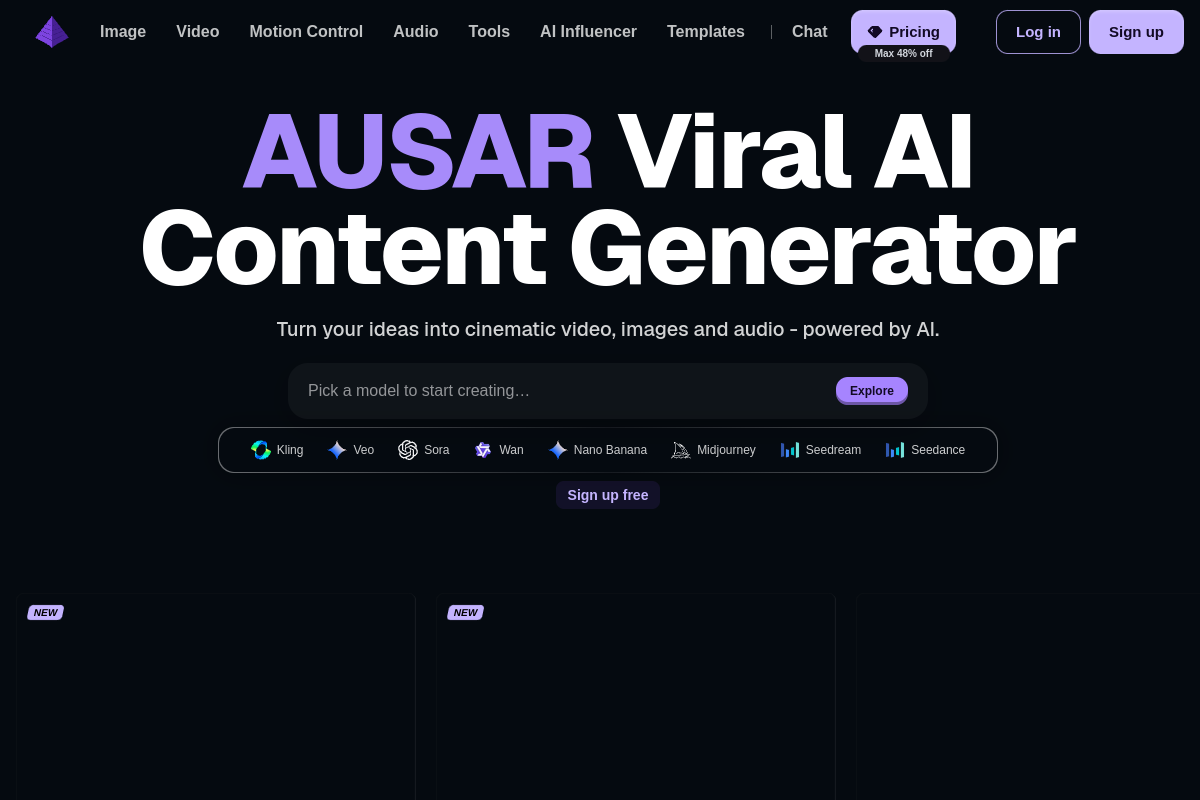
One studio for AI video, image, and audio with Kling, Veo, Sora, and Seedance.
Text to video
One studio for AI video, image, and audio with Kling, Veo, Sora, and Seedance.
Product insights
Switch between Kling, Veo, Sora, Seedance, and image models in one workspace and pay from a single credit balance.
Each video model lives on its own site with its own plan. Ausar gathers them, plus image editing and audio tools, so a whole short video can be made in one place.
Social media creators, marketers, and small studios producing short AI videos and visuals.
Free sign-up with no card required. Paid plans are monthly credit subscriptions, and subscribers get 10–25% off credit top-ups. Check ausar.ai/pricing for current plans.
Model sheet
Ausar AI (ausar.ai) is an all-in-one AI creation studio for video, images, and audio. Instead of running a single in-house model, it gives you access to Kling 3.0, Veo 3.1, Sora 2, Seedance, Nano Banana Pro, GPT Image, and more from one dashboard. Beyond text-to-video and image-to-video, it offers Motion Control for transferring movement onto a character, AI influencer creation, image upscaling and background removal, speech generation, and vocal splitting. Its terms prohibit deepfakes or deceptive content meant to mislead or harm others.
Create an account at ausar.ai; no card is needed to start.
Open Video, Image, Motion Control, or Audio and choose a model such as Kling 3.0, Veo 3.1, or Nano Banana Pro.
Write a prompt or upload a reference image, generate, then upscale, extend, or combine clips with templates.
Ausar mainly provides access to third-party models such as Kling, Veo, Sora, and Seedance, together with its own templates and editing tools.
Sign-up is free with no card required. Generating beyond what a free account allows uses credits from a paid plan or top-up.
Ausar says outputs can be used in ads, social posts, and client work. Check its terms and the rights of any people or brands shown.
Official website snapshot
ausar.ai
Ausar is a web-based AI content studio that puts several leading generation models behind one account. You can turn text or images into video with Kling 3.0, Veo 3.1, Sora 2, or Seedance, create images with Nano Banana Pro or GPT Image, transfer movement with Motion Control, and generate speech or split vocals in the audio tools. Templates help build multi-shot social clips, and a credit-based subscription covers every model.