Text to video
Google Flow
Google’s AI studio for cinematic video and images with Veo.
Text to video
Google’s AI studio for cinematic video and images with Veo.
Product insights
Veo video generation inside a studio built for storytelling.
Raw model access lacks tools to build consistent scenes.
Filmmakers, creators, and marketers.
Available through Google AI plans; usage limits vary by plan.
Google Flow is where Google’s Veo video model meets a creative workspace. You generate clips from text or images, build scenes, and keep characters and style consistent across shots.
Sign in at flow.google.com with a Google account.
Describe a shot or start from an image.
Arrange clips into a scene and extend shots.
Veo is the video model; Flow is the studio app that uses it.
Access and limits depend on your Google AI plan.
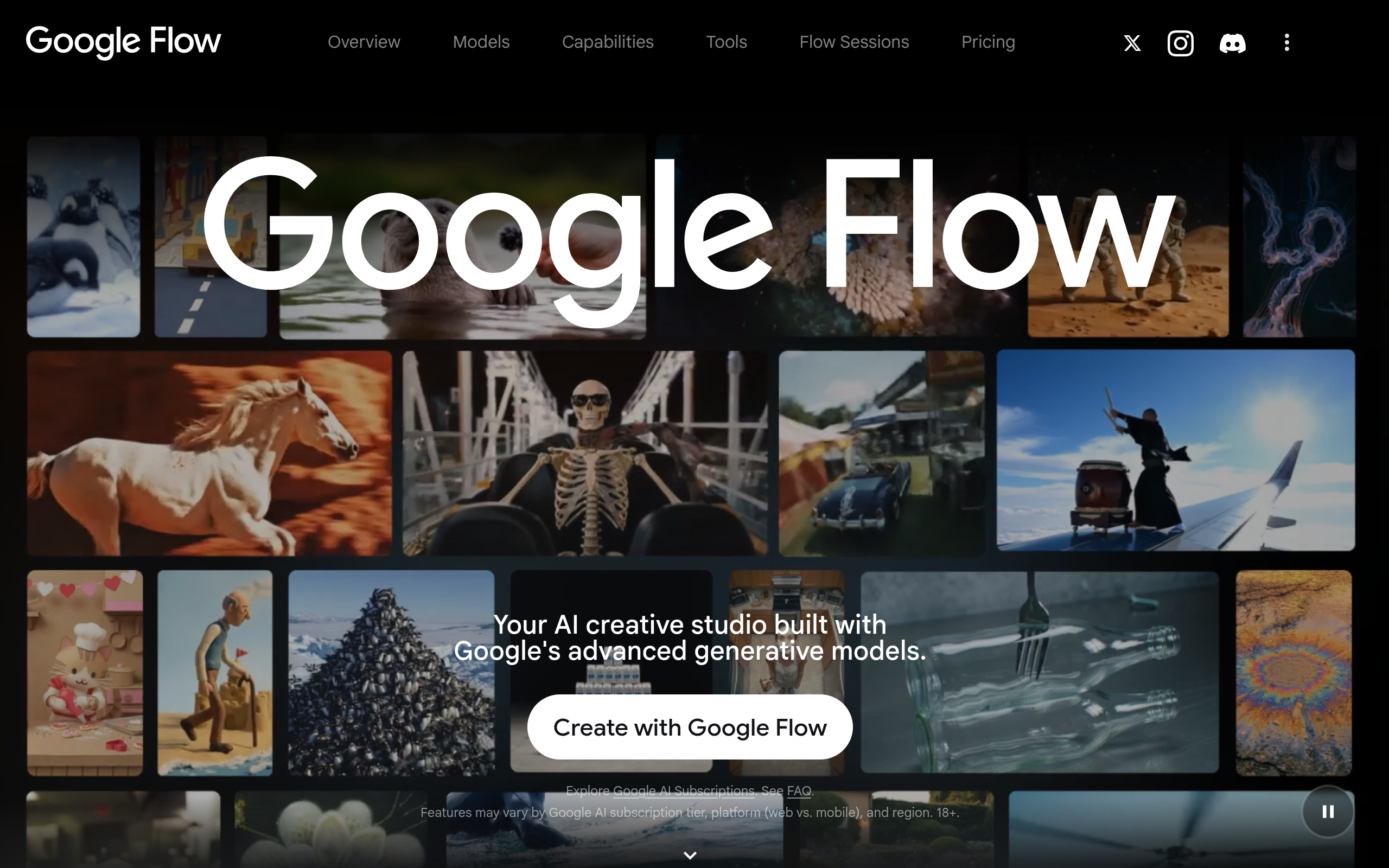
Official website snapshot
flow.google.com
Google Flow is Google’s AI creative studio for video, images, and custom tools. It uses Google’s generative models, including Veo for video, to turn ideas into cinematic clips and scenes.