Real-time video
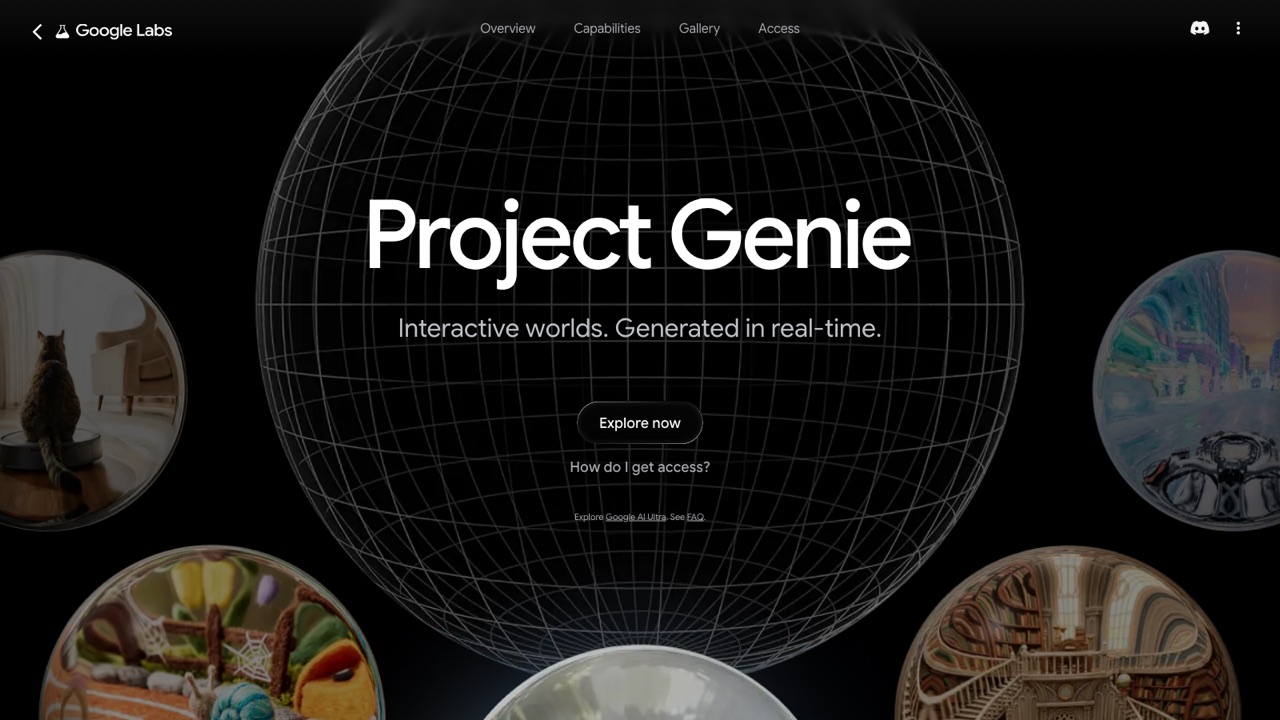
Project Genie
Describe a world, build a character, and explore it live.
Real-time video
Describe a world, build a character, and explore it live.
Product insights
An interactive world prototype that generates navigable video environments around your movement and prompts.
Traditional video generation often makes you wait for a finished clip. Real-time video products bring feedback and control back into the generation loop.
For creative technologists, developers, and product teams building live visual experiences.
Hosted access is available through the official website. Plans, credits, regions, and API terms vary by product.
Project Genie creates an environment from text or images and generates the world around you in real time as you explore.
Describe an environment and character, or start from an image reference.
Walk, drive, fly, or ride through the scene.
Let Genie generate the next frames around your actions.
Google describes it as an early prototype with access tied to Google AI Ultra and supported regions.
Official website snapshot
labs.google
An interactive world prototype that generates navigable video environments around your movement and prompts.