Real-time video
Krea Realtime
Paint, prompt, or stream a scene and watch it move now.
Real-time video
Paint, prompt, or stream a scene and watch it move now.
Product insights
A browser-based real-time video canvas for prompt changes, live stylization, webcam input, and screen transformation.
Traditional video generation often makes you wait for a finished clip. Real-time video products bring feedback and control back into the generation loop.
For creative technologists, developers, and product teams building live visual experiences.
Hosted access is available through the official website. Plans, credits, regions, and API terms vary by product.
Krea Realtime continuously generates frames as you paint, prompt, or stream a webcam feed.
Choose a canvas, prompt, webcam, or screen as your live input.
Paint or revise the prompt while the stream is running.
Export the strongest live direction when the sequence is ready.
It keeps generating while you change the prompt, draw, or provide live input.
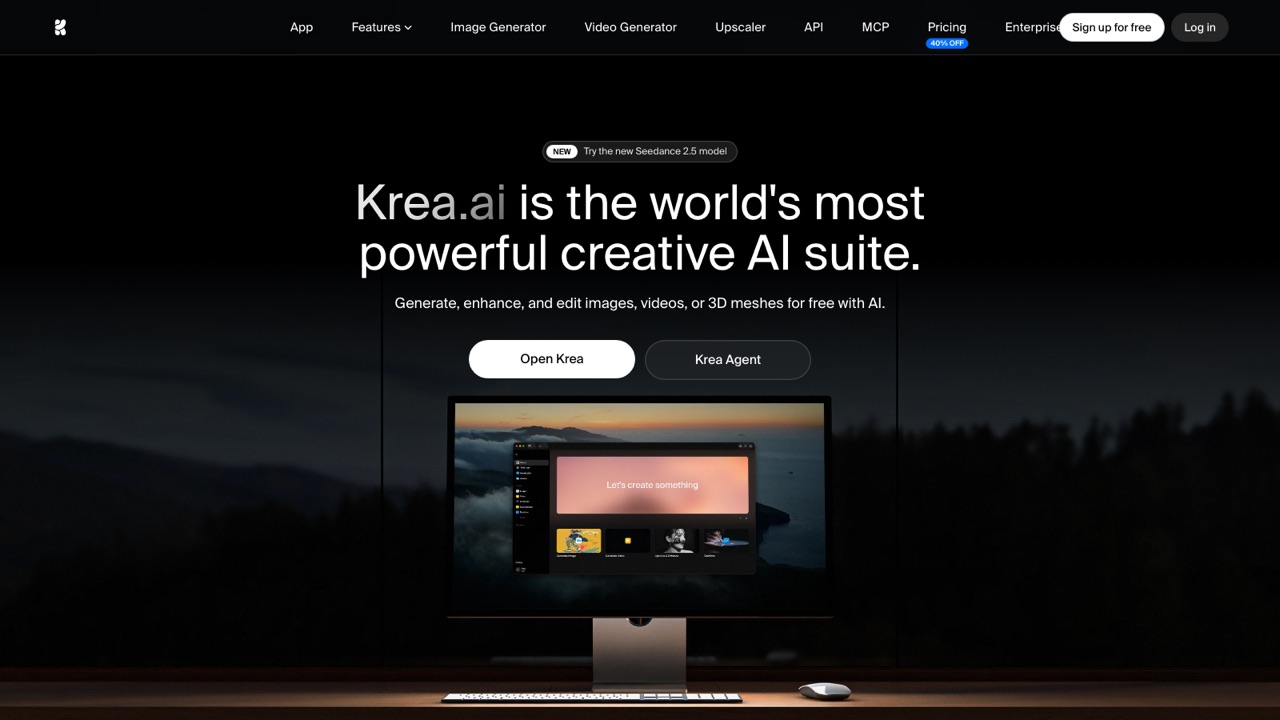
Official website snapshot
krea.ai
A browser-based real-time video canvas for prompt changes, live stylization, webcam input, and screen transformation.