Workflow tools
ComfyUI
A visual workspace for creating images with models such as Qwen-Image 2.1.
Workflow tools
A visual workspace for creating images with models such as Qwen-Image 2.1.
Product insights
Create and edit images through a visible workflow canvas, with a simpler App Mode and ready-made templates to help you start.
Image models often need several preparation and generation steps. ComfyUI makes those steps visible and reusable in a single canvas.
Visual creators who want to try Qwen-Image 2.1, customize image workflows, or move between desktop and cloud.
ComfyUI offers a local Desktop app and a hosted Cloud service. Check the official site for current access, credits, and plan terms.
Model sheet
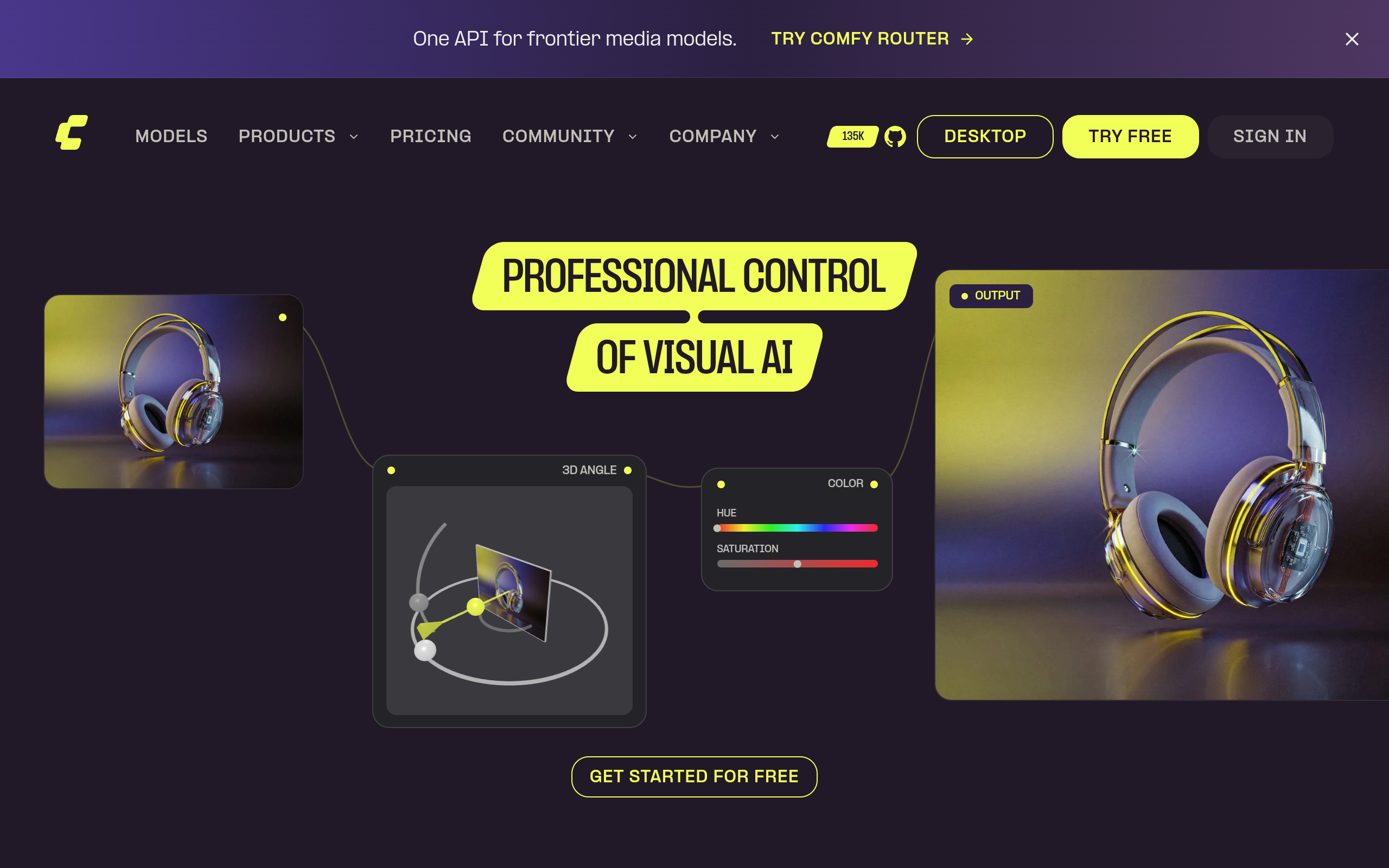
ComfyUI is a visual application for building and running image-generation workflows. Its official Qwen-Image 2.1 template lets you generate or edit images through a canvas with prompts and reference images. You can use Comfy Desktop locally or try Comfy Cloud in a browser, starting from a ready-made template rather than a blank workflow.
Choose the local Desktop app if you have a suitable GPU, or start in Comfy Cloud through the browser.
Open the Templates panel and select the Qwen-Image 2.1 workflow. Local Desktop use also needs the matching model weights.
Enter a prompt, attach optional reference images, run the workflow, then adjust the result from the canvas or App Mode.
Yes. The official ComfyUI guide links to a Comfy Cloud workflow. Availability and credit use depend on the current Cloud plan.
The reAPI page offers a single hosted form for Qwen Image 2.1. ComfyUI provides an editable visual workflow with Desktop and Cloud options.
Official website snapshot
comfy.org
ComfyUI is a visual image-generation app with Desktop and Cloud options. Start from a Qwen-Image 2.1 template, write a prompt or add reference images, and run the workflow in its canvas. Its reusable templates and App Mode help turn complex workflows into practical creative tools.