AI assistants & agents
LM Studio
Run open AI models locally, with an agent for work and code.
AI assistants & agents
Run open AI models locally, with an agent for work and code.
Product insights
Download and run open models with no cloud or command line.
Sending sensitive data to cloud AI is not always acceptable.
Developers, privacy-minded users, and teams.
Free desktop app; check the site for work and team terms.
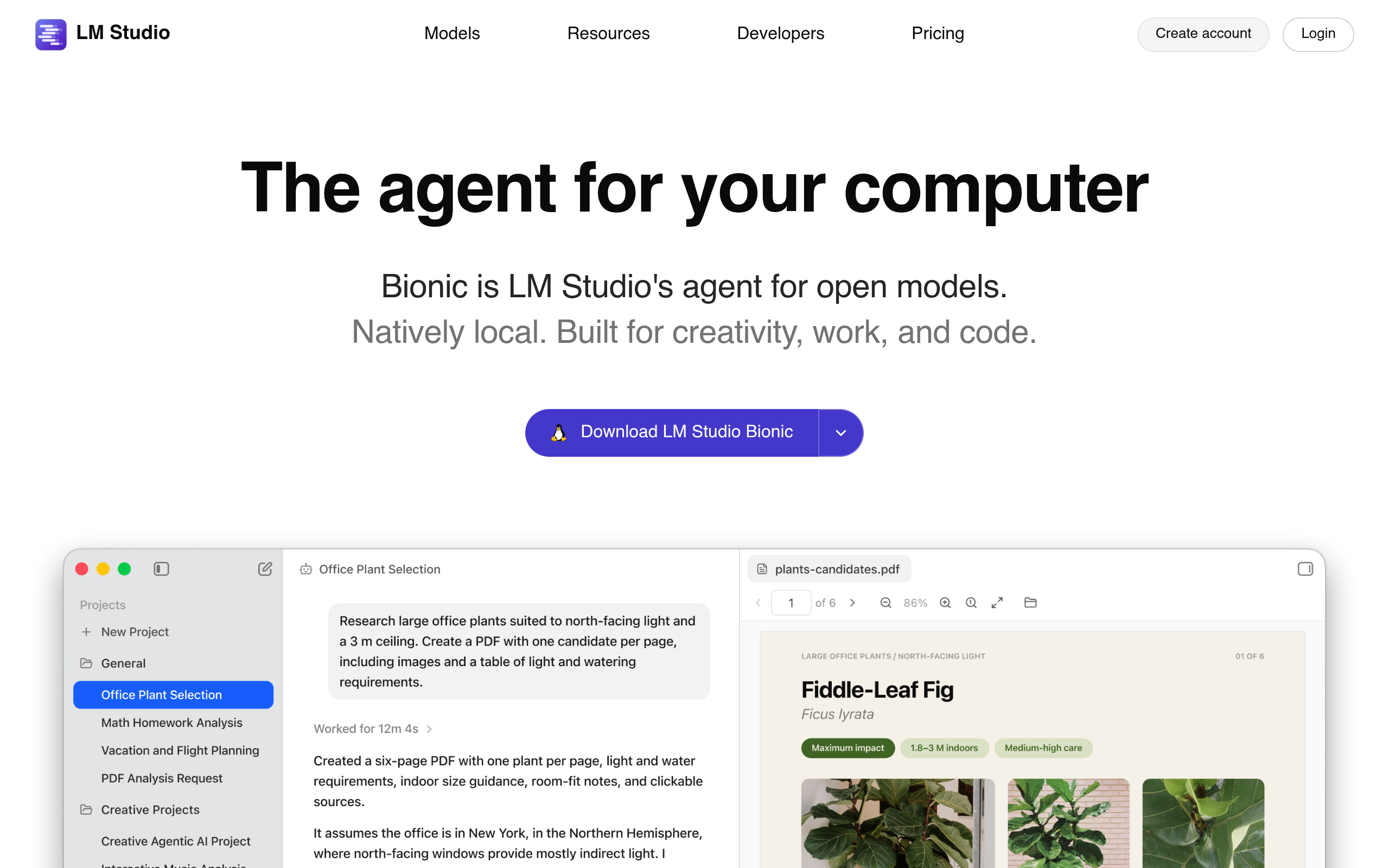
LM Studio lets you discover, download, and chat with open-weight models offline. It also exposes a local server for apps, and its Bionic agent turns local models into a work and coding assistant.
Download the app for Mac, Windows, or Linux.
Pick an open model that fits your hardware.
Chat offline or ask Bionic to build a document or app.
The desktop app is free to download and use.
With local models, inference runs on your machine.
Official website snapshot
lmstudio.ai
LM Studio is a desktop app for running open models on your own computer. Its Bionic agent creates documents, slides, PDFs, and software using either local models or frontier open models.