AI assistants & agents
ChatGPT Atlas
OpenAI’s web browser with ChatGPT built into every page.
AI assistants & agents
OpenAI’s web browser with ChatGPT built into every page.
Product insights
ChatGPT sees the page you are on, so no copy-pasting.
Moving content between tabs and a chatbot breaks your flow.
ChatGPT users on Mac, and Windows users once available.
Free to download; agent mode requires a paid ChatGPT plan.
ChatGPT Atlas is an AI browser from OpenAI. It pairs a full browser with a persistent ChatGPT panel, browser memories, and an agent mode that can click through sites to complete tasks.
Install it from chatgpt.com/atlas and sign in.
Open the ChatGPT panel to summarize or question the page.
On a paid plan, let the agent complete a task for you.
Atlas launched on macOS and OpenAI has announced a Windows version; check the official page for availability.
The browser is free; agent mode needs a paid ChatGPT plan.
Official website snapshot
chatgpt.com
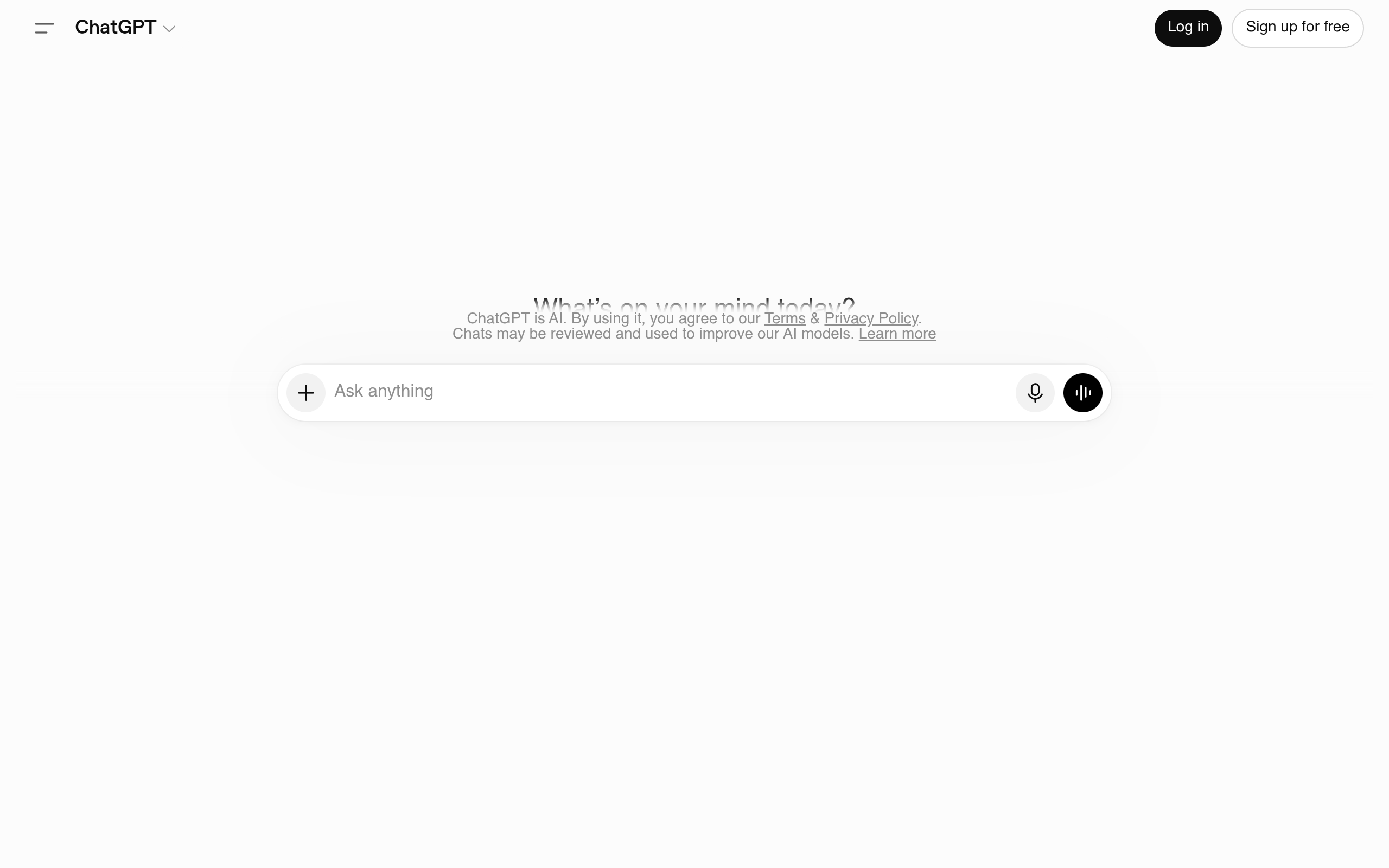
ChatGPT Atlas is OpenAI’s web browser. A ChatGPT side panel can read the page you are on to answer questions, summarize, or compare, and agent mode can carry out tasks in the browser. It launched on macOS, with Windows announced.